Map Creator
Place, drag, and orient dots for the Maps page's Easter Egg / Guides overlays, then use Export Map Data to copy them into _data/map_dots.yml.
PVP and PVE (Horde)
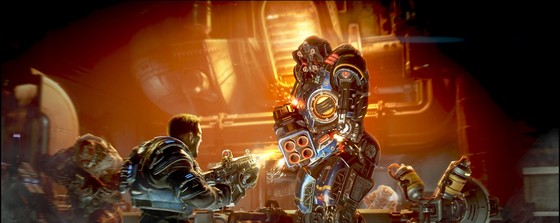 Abyss
Abyss
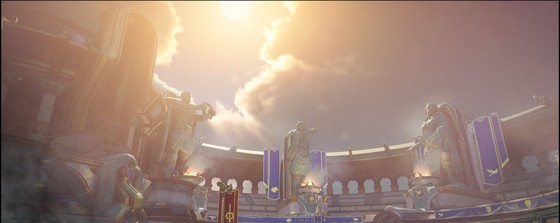 Allfathers Arena
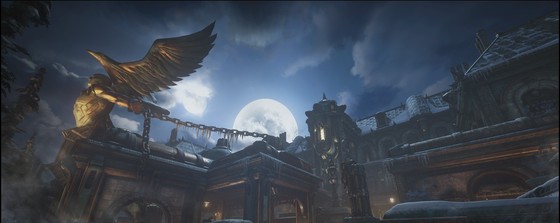 Asylum
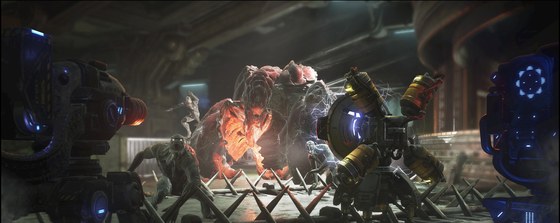 Atrium
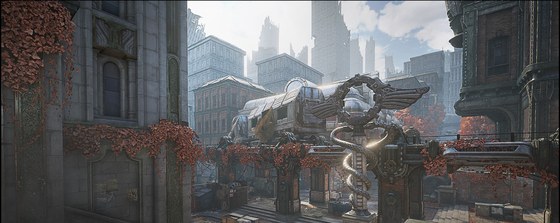 Blood Drive
 No Minimap
Bunker
No Minimap
Bunker
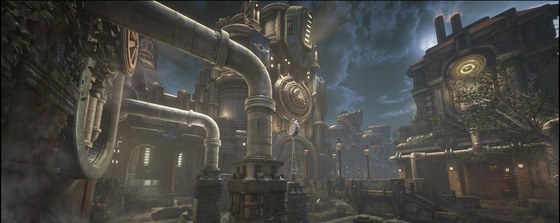 Canals
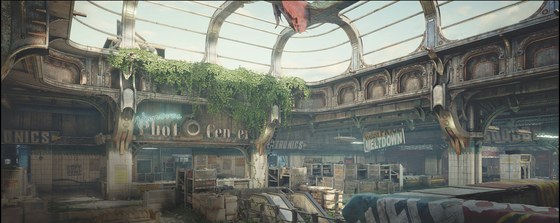 Checkout
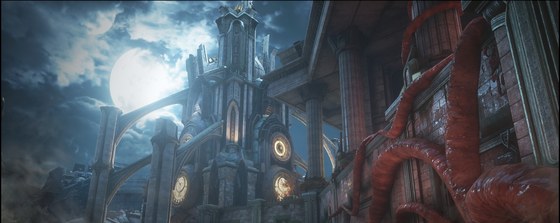 Clocktower
 Command
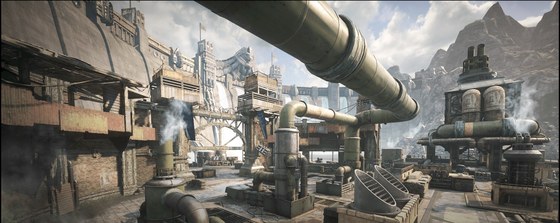 Dam
Dam
 No Minimap
Dawn
No Minimap
Dawn
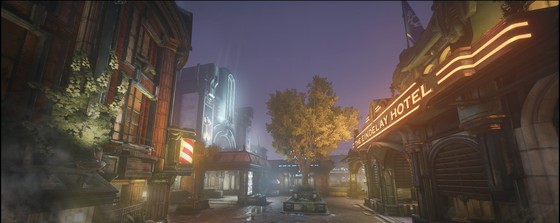 District
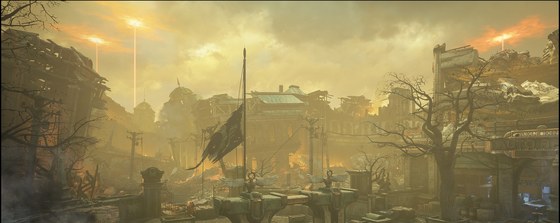 Ephyra
 No Minimap
Exhibit
No Minimap
Exhibit
 No Minimap
Forge
No Minimap
Forge
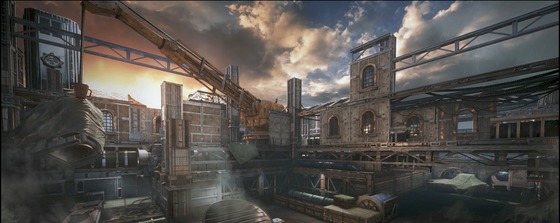 Foundation
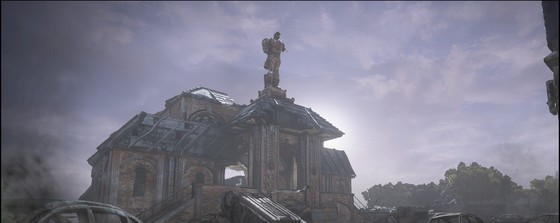 Gridlock
 Harbor
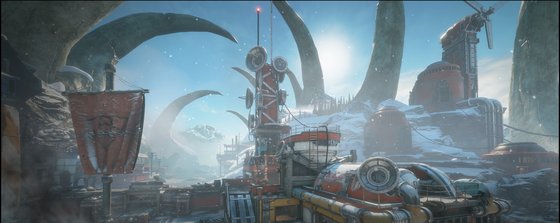 Icebound
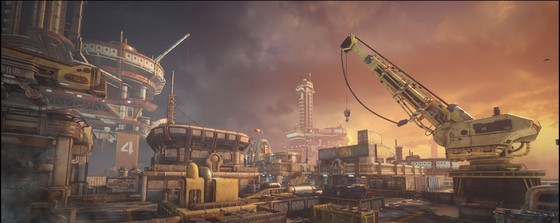 No Minimap
Lift
No Minimap
Lift
 No Minimap
Mercy
No Minimap
Mercy
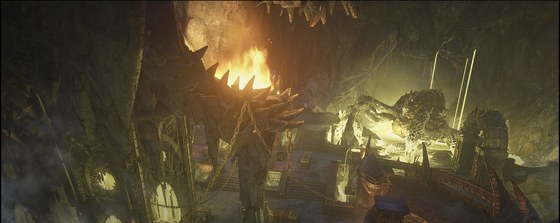 Nexus
Nexus
 No Minimap
Overload
No Minimap
Overload
 No Minimap
Pahanu
No Minimap
Pahanu
 No Minimap
Rail Line
No Minimap
Rail Line
 No Minimap
Reclaimed
No Minimap
Reclaimed
 No Minimap
Reactor
No Minimap
Reactor
 Regency
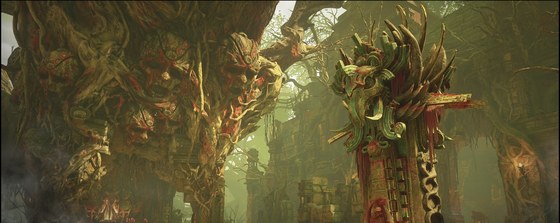 🥚 Easter Egg
Ritual
🥚 Easter Egg
Ritual
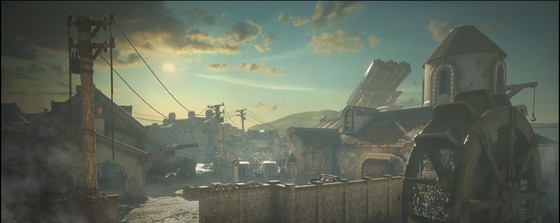 River
River
 No Minimap
Speyer
No Minimap
Speyer
 No Minimap
Tomb
No Minimap
Tomb
 No Minimap
Training Grounds
No Minimap
Training Grounds
 No Minimap
Turbine
No Minimap
Turbine
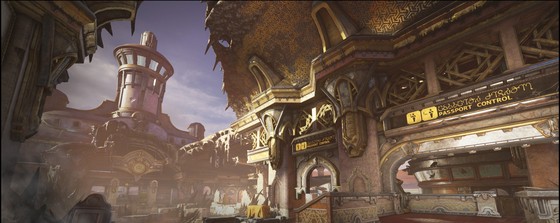 Vasgar
 No Minimap
Village
No Minimap
Village
PVE (Escape)
 No Minimap
Forever
No Minimap
Forever
 No Minimap
Ice Queen
No Minimap
Ice Queen
 No Minimap
Last Stand
No Minimap
Last Stand
 No Minimap
Lethal Engagements
No Minimap
Lethal Engagements
 No Minimap
Melee Brawl
No Minimap
Melee Brawl
 No Minimap
The Ambush
No Minimap
The Ambush
 No Minimap
The Barracks
No Minimap
The Barracks
 No Minimap
The Blight
No Minimap
The Blight
 No Minimap
The Choke
No Minimap
The Choke
 No Minimap
The Clock
No Minimap
The Clock
 No Minimap
The Corruption
No Minimap
The Corruption
 No Minimap
The Descent
No Minimap
The Descent
 No Minimap
The Detour
No Minimap
The Detour
 No Minimap
The End
No Minimap
The End
 No Minimap
The Gatekeepers
No Minimap
The Gatekeepers
 No Minimap
The Gauntlet
No Minimap
The Gauntlet
 No Minimap
The Hive
No Minimap
The Hive
 No Minimap
The Hive - Past Hive
No Minimap
The Hive - Past Hive
 No Minimap
The Hunters
No Minimap
The Hunters
 No Minimap
The Labyrinth
No Minimap
The Labyrinth
 No Minimap
The Line
No Minimap
The Line
 No Minimap
The Link
No Minimap
The Link
 No Minimap
The Malfunction
No Minimap
The Malfunction
 No Minimap
The Mines
No Minimap
The Mines
 No Minimap
The Mist
No Minimap
The Mist
 No Minimap
The Onslaught
No Minimap
The Onslaught
 No Minimap
The Split
No Minimap
The Split
 No Minimap
The Surge
No Minimap
The Surge
 No Minimap
The Trap
No Minimap
The Trap
 No Minimap
The Wanderer
No Minimap
The Wanderer
 No Minimap
The Warren
No Minimap
The Warren
 No Minimap
Venom Run
No Minimap
Venom Run
Click empty space to add a point (using the New point defaults above) · drag empty space to pan · drag a point to move it · click a point then Shift+click to orient it · scroll to zoom
Drag thumbnails to reorder · click ✕ to remove · nothing is uploaded - copy the picked files into images/maps/dots/ yourself to match the Output box below.
Want to share this with the developer or contributors of the project? Paste it into pastebin.com (free, no account needed) or gist.github.com (needs a GitHub account) - pick yml as the syntax/extension so it comes out colored.
Examples: pastebin.com/DAKfgeSg · gist.github.com/TheSCREWEDSoftware/…
Paste an Output block below (same format Export Map Data produces) to replace every point and view setting for with it. This can't be undone - use Export Map Data first if you want to keep what's currently loaded.